Finding relevant information on Gmail can be a daunting task, especially if you have a particularly buzzy inbox. Right now, the email client uses a search operator system that acts somewhat like a shortcut, but not many users know about it.
Today, Google has announced an update to how search on Gmail works, thanks to some help from AI. When you look up a name or keyword in Gmail, the matching results are shown in chronological order.
Moving ahead, search results will be shown based on their relevance. In Google’s words, relevance will take into account three factors viz. frequent contacts, most-clicked emails, and how recently the relevant emails arrived in your inbox.
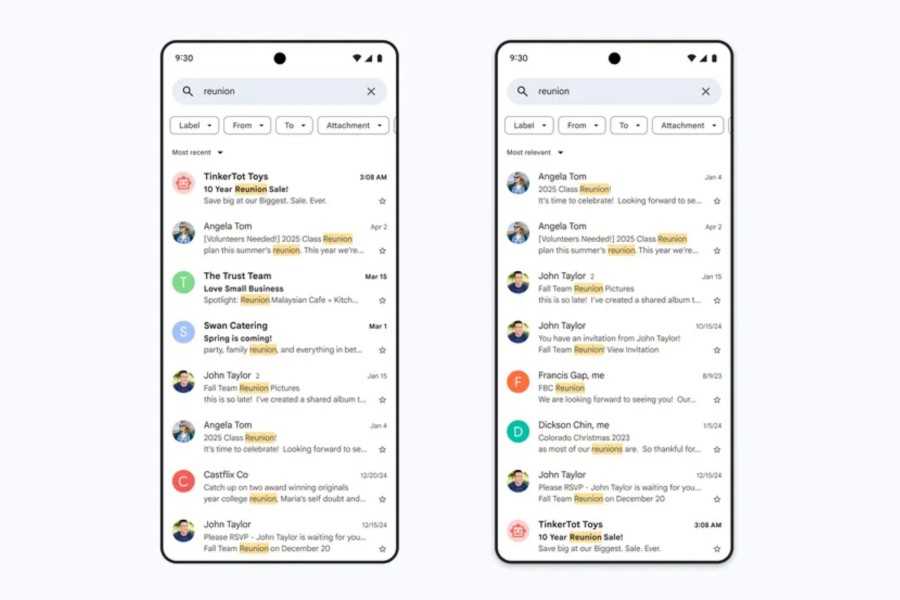
“With this update, the emails you’re looking for are far more likely to be at the top of your search results — saving you valuable time and helping you find important information more easily,” the company says in a blog post.
The updated search system in Gmail is rolling out to users worldwide, and it will be implemented on the desktop version as well as the mobile app. And just in case you are wondering, this is not an irreversible change to the search function in Gmail.
Google says users can switch between “most relevant” and “most recent” search results at their convenience. The overarching idea is to help users find the intended material at a quicker pace.
A memory revisit for Gmail shortcut
In case you don’t trust the new search system in Gmail, but still want tighter control over the whole process to save you time, here are a few operator shortcuts that you can type in the search bar:
- from:[email protected] – Search for emails sent by a particular person.
- to:[email protected] – Find emails sent to a specific person.
- Is:important / is:starred / is:unread – Look up emails based on their status.
- cc:[email protected] / bcc:[email protected] – Identify emails that contain specific individuals in the “CC” or “BCC” fields.
- subject:example – Search for emails that contain a specific word or phrase in their subject line.
- after:2024/09/16 / before:2025/04/18 – Search for emails that were received within a specific time frame.
- older_than:1y / newer_than:2d – Search for emails that were sent within a specific time frame. (“d” stands for day and “y” is an identifier for the year)
- from:amy OR from:david – Look up emails that match one or more of your search criteria.
- Label:example / category:example – Find emails under one of your labels or specific category.
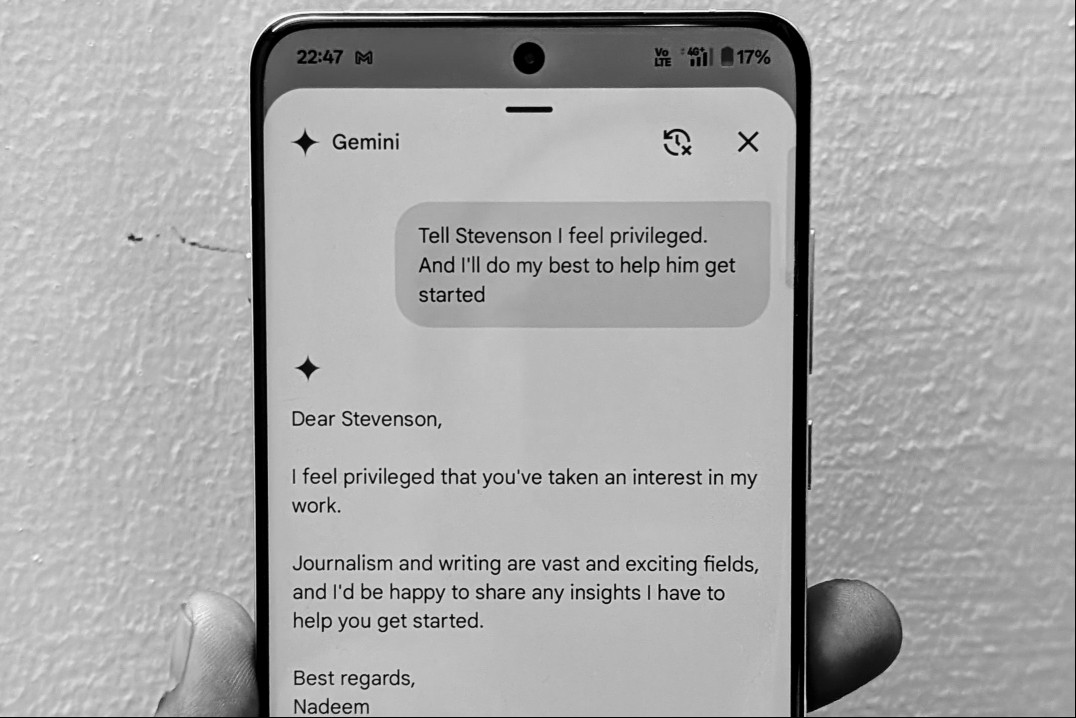
Talking about features, Gmail recently rolled out a package tracking system that relies on summary cards to offer important information at a quick glance. The Gemini AI is now a part of the Gmail experience, as well, helping users write emails, or get work done across Sheets and Docs among other connected apps.
In case you’re a heavy user of AI tools such as ChatGPT, one of the best email clients I have used recently is Shortwave, which offers a fantastic decluttering system and some neat AI perks such as summarization.